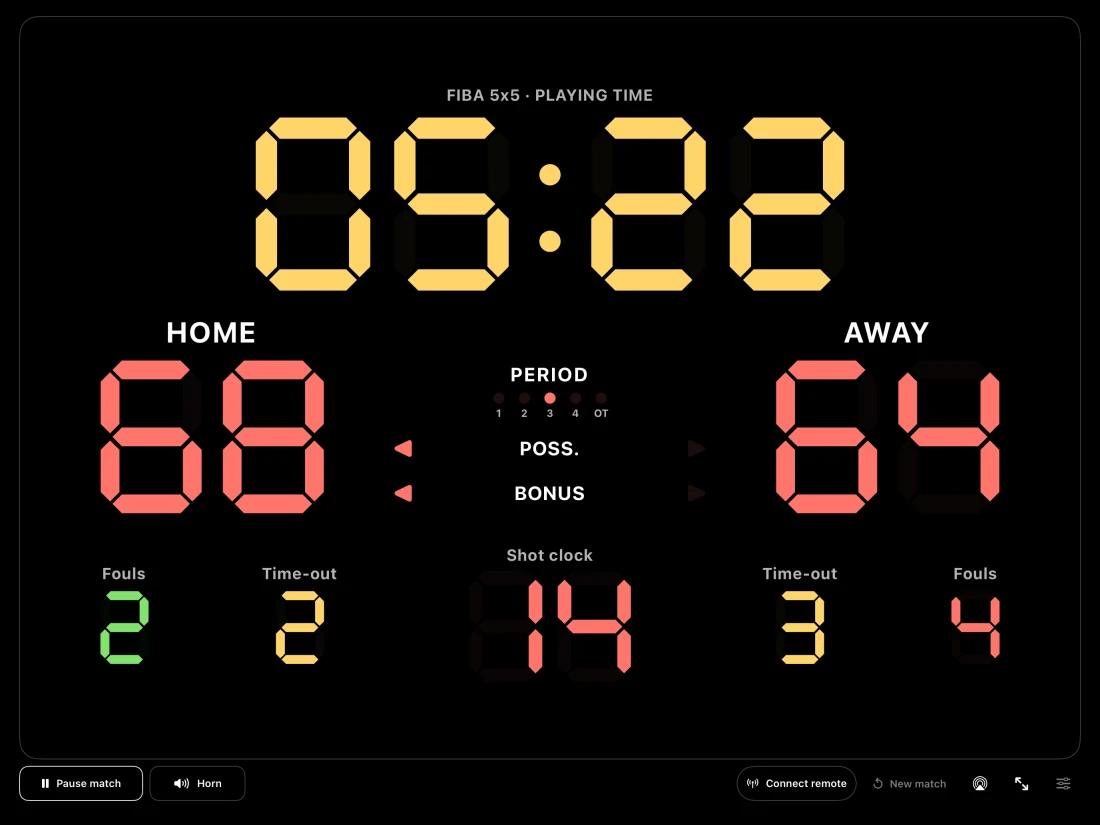
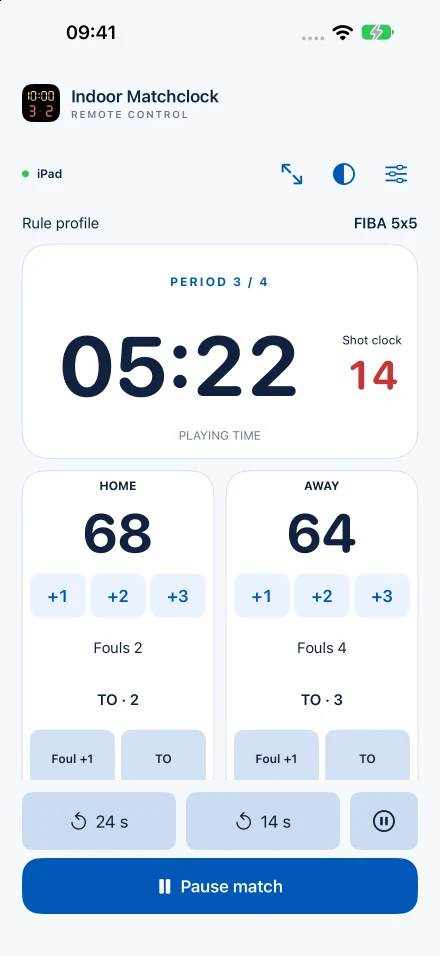
Under Sport, choose indoor hockey, futsal or basketball. For basketball, also choose your rule profile. Supports FIBA 5×5, FIBA 3×3, NBA and NCAA (men and women), plus custom competition and youth / training profiles.
Use the iPad in landscape. Tap Match settings to set the team names, number of periods and period duration. Choose Set clock to full period duration if you also want to adjust the current clock.
Under Sport, switch between Indoor hockey, Futsal and Basketball. Indoor hockey fills in 4 × 10 minutes and 1–3–1 minute breaks; you can also choose 4 × 15 minutes. Futsal fills in 2 × 20 minutes and a 5-minute break as a starting point. Use Custom duration for other playing times and follow your competition rules. Choosing a sport or format resets the match clock to the full duration.
Under Automatic break timers, set the Short break and Half-time break separately, from 0:00 to 99:59, to the second. Only relevant breaks appear. At 0:00 that break is skipped. The schedule below shows each break for review. Tap Save to apply or Cancel to keep the previous settings. Changing the format of a match already in progress requires confirmation. Team names and scores stay; the current period is reduced to the new period count if needed. New match returns to 0–0 in period 1, keeping your sport and durations.
You can also choose New match at the bottom of the iPhone remote. Pause the clock first, then confirm. Team names and match settings are kept.