The app follows your preferred system languages: Dutch, French, English, German, Spanish, Portuguese, Italian, Polish, Croatian, Danish, Norwegian Bokmål, Swedish, Japanese, Korean, Simplified Chinese or Traditional Chinese, with English as the fallback. To choose a language for the app, open Settings → Apps → Indoor Matchclock → Language on your iPhone or iPad. On older iOS versions, Indoor Matchclock is directly under Settings. The Apple Watch follows the app language synced by Apple. Changing language restarts the app; a saved match reopens paused.
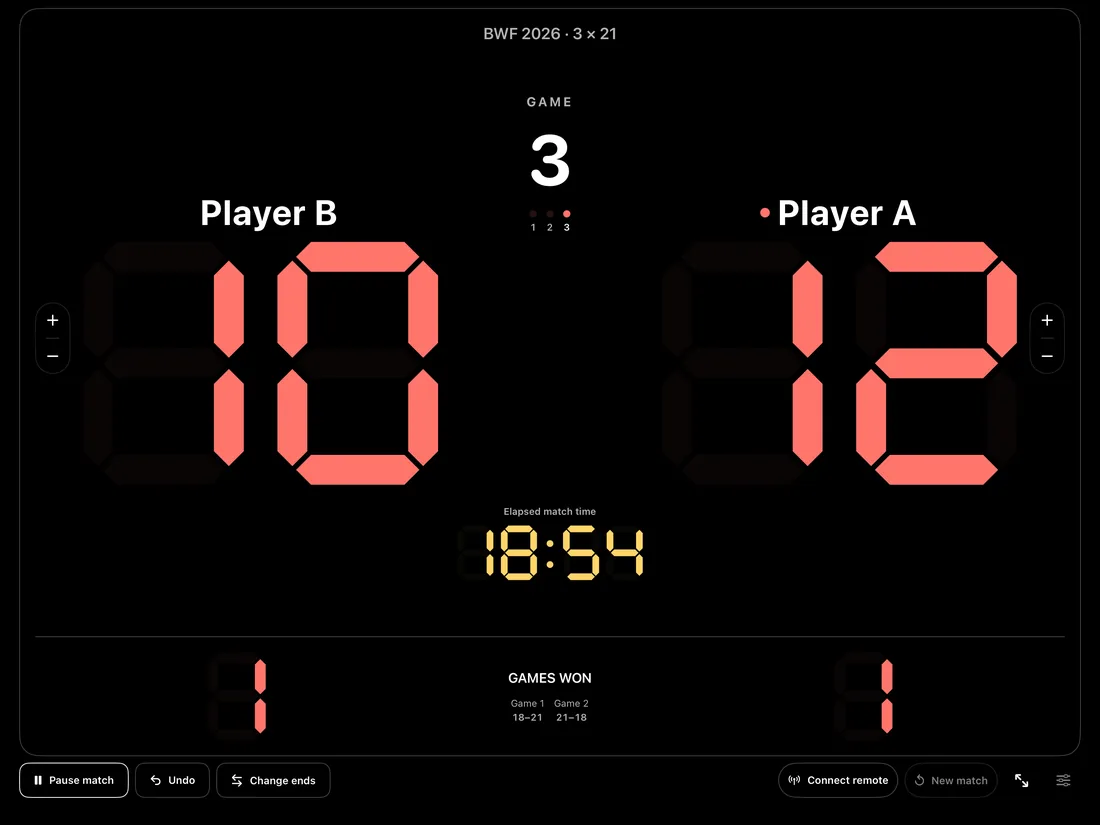
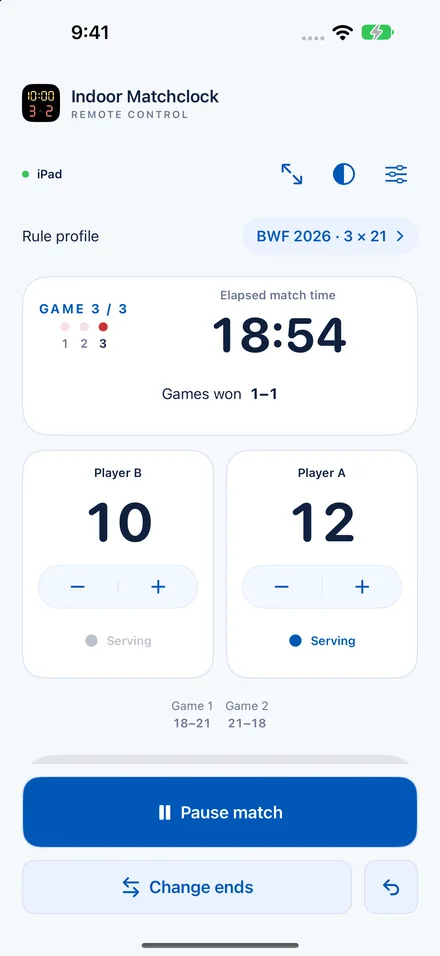
The iPad uses a black scoreboard. Use the theme icon on the iPhone for a light, dark or automatic appearance.